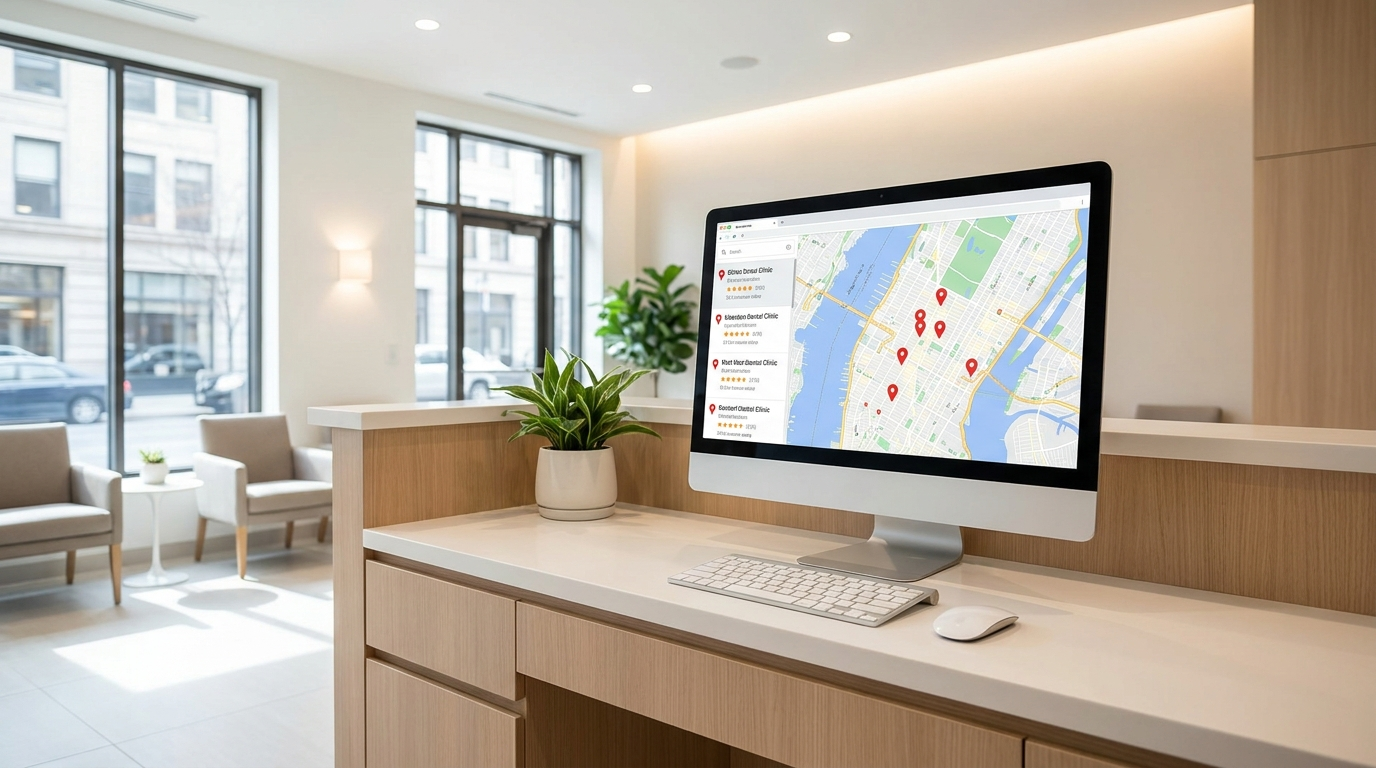
Local SEO for dentists is the work that puts your clinic in front of Markham patients at the exact moment they search "dentist near me," "emergency dentist Markham," or a specific treatment like implants or Invisalign. For a dental or healthcare clinic, the winning setup is dental-specific: the right Google Business Profile category, a page for each treatment, booking links that convert, and review replies that respect patient privacy. This guide walks through what actually moves the needle for clinics.
Why local SEO for dentists works differently
Dental and healthcare searches are unusually high-intent and local. Someone with a cracked molar is not browsing — they want a nearby clinic that can see them today. Across Markham, Unionville, Richmond Hill and the wider York Region, that patient scans the local map pack, checks the reviews and hours, and taps to call or book. Generic marketing advice gets you partway; the clinics that win pay attention to the details unique to dentistry — treatment-level intent, insurance questions, privacy-safe review handling and the languages their patients speak.
The good news is that these are concrete, fixable steps. Set them up once, keep them accurate, and they compound month after month, quietly building the kind of visibility that a new clinic cannot buy overnight with advertising alone.
Get your Google Business Profile category right
Your Google Business Profile is the listing that puts your clinic on Google Maps and into the local pack, and for dentistry your primary category does a lot of the ranking work.
- Set the primary category to the most accurate option — typically "Dentist" or "Dental clinic."
- Add secondary categories only for services you truly offer: "Cosmetic dentist," "Orthodontist," "Dental implants provider," "Emergency dental service," "Pediatric dentist."
- Complete every field: hours, service area, a clear description, and current photos of your team and office.
- Keep hours accurate, including holidays — an emergency patient who calls a "closed" clinic simply moves to the next result.
Treat the profile as a living listing. Post updates, keep photos current, and make sure the booking and call buttons work on a phone. For the full field-by-field walkthrough, see our Google Business Profile optimization checklist.
Build a page for every treatment
A single "Services" page rarely ranks for the specific treatments patients search. Instead, give each core treatment its own page so Google can match the exact query and patients get the detail they need to book.
Priority pages for most Markham clinics:
- Dental implants — the process, who it suits, and what to expect.
- Invisalign and clear aligners — how it compares to braces, and typical treatment journey.
- Cleanings and hygiene — routine checkups, recommended frequency, and what a visit includes.
- Emergency dentistry — same-day availability, after-hours guidance, and how to reach you fast.
On each page, name the treatment and the city in your title tag and headings, write in plain language a nervous patient can follow, and place a clear booking or appointment link near the top and bottom. These pages are the backbone of dental local SEO because they capture the specific, high-intent searches your competitors leave on the table.
Capture "near me" and emergency intent
"Dentist near me" and "emergency dentist Markham" are the highest-intent searches in dentistry, and they reward clinics that look immediately reachable. Make sure your emergency page states your same-day and after-hours availability clearly, and mirror that urgency in your Google Business Profile posts and hours.
Every path to booking should be one tap: a visible call button, an online appointment link, and hours a patient can trust. If someone in pain lands on your page and cannot see how to reach you in a few seconds, they leave. It also pays to name nearby neighbourhoods and landmarks in your emergency and location copy, so the search engine — and the patient scanning results — can see at a glance that you are genuinely close by and open now.
Handle reviews without disclosing patient information
Reviews strongly influence both your ranking and patient trust, but dentistry carries a privacy responsibility that most industries do not. Under Ontario's health-privacy framework (PHIPA), you should not confirm someone is a patient or reference their treatment in a public reply.
- Ask satisfied patients for a review after their visit, using a direct review link by text or email.
- Reply to every review, but keep replies warm and general — thank the reviewer, restate your commitment to patient care, and invite them to contact the clinic privately for specifics.
- Never disclose health details, confirm treatment, or argue clinical facts in public.
This keeps you compliant and, frankly, looks more professional to prospective patients reading along. It is general guidance rather than legal advice — confirm your review policy with your own advisor. For practical ways to ask, see the beginner's local SEO playbook.
Insurance, direct billing, multiple dentists and languages
A few dental-specific signals quietly capture searches other clinics miss:
- Insurance and direct billing — many patients search for a clinic that offers direct billing or accepts their plan. Say plainly on your booking and services pages that you offer direct billing to insurers; it answers a real question and reduces friction.
- Multiple practitioners — give each dentist an individual page with credentials, focus areas and languages, so patients searching by name or specialty find them. Keep one clinic listing on Google rather than duplicate listings per dentist.
- Accessibility and languages — in Markham, the languages your team speaks are a genuine differentiator. If your clinic serves patients in Mandarin, Cantonese, or other languages, say so on your site and profile, and note accessibility features like wheelchair access or ground-floor parking.
Your dental local SEO checklist
| Dental local-SEO action | Why it matters |
|---|---|
| Set primary GBP category to "Dentist" or "Dental clinic" | Carries the most local ranking weight |
| Add secondary categories for real services only | Matches specific searches without diluting relevance |
| Build a page per treatment (implants, Invisalign, cleaning, emergency) | Ranks for high-intent, treatment-specific queries |
| Create a dedicated emergency dentistry page with hours | Captures urgent "emergency dentist Markham" searches |
| Put a booking/call link on every page | Converts high-intent visitors before they bounce |
| Reply to reviews without disclosing patient information | Builds trust while respecting PHIPA privacy |
| State insurance and direct-billing options | Answers a common question and reduces booking friction |
| Add practitioner pages with credentials and languages | Helps name, specialty and language searches |
| List accessibility and languages spoken | Differentiates you with Markham's diverse patients |
Work down this list in order of impact. None of it requires a large budget — just accuracy and consistency.
Get your clinic found
Dental local SEO is very achievable, but the early choices — the right category, which treatment pages to build first, and privacy-safe review handling — are exactly where clinics tend to slip. If you would rather get the foundations right the first time, Markham Office can help you set up your Google Business Profile, build treatment and location pages into your website, and keep your details consistent so patients across Markham and York Region can find and book you. Explore our local SEO service to see how the pieces fit together.