
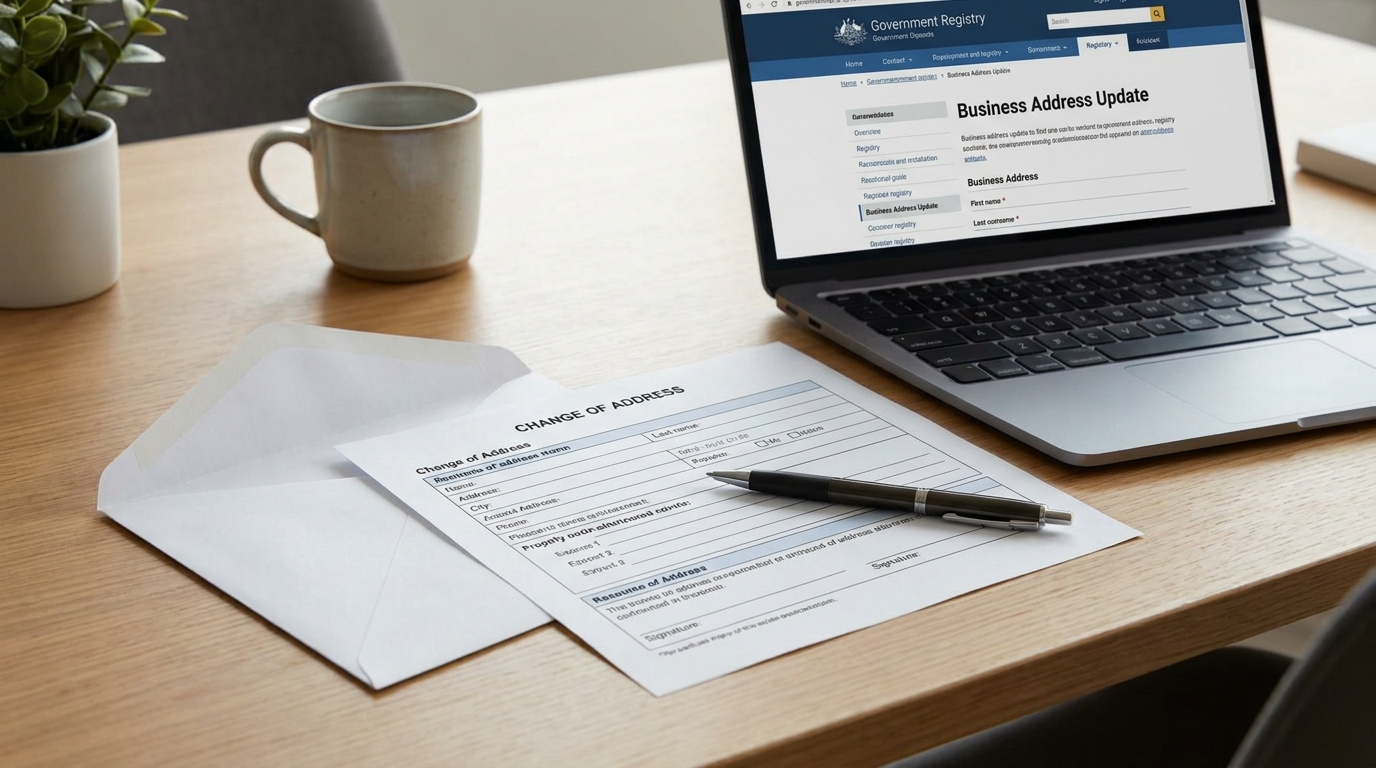
Need to change your business address in Ontario? You have to update it in two separate places: the Ontario Business Registry (your corporation or registered business name) and the CRA (your business number and program accounts). Updating one does not update the other. Here is exactly how to do both, and who else to tell.
Why a business address change matters
Your business address is more than a line on a letterhead. It is where the government sends legal notices, tax correspondence, refund cheques and filing reminders. If any of those go to an address you no longer control, you can miss a deadline, a reassessment or a demand — and the consequences land on you, not on the post office.
There is also a legal timing element. For an Ontario corporation, directors are generally required to report a change to the registered or head office address within 15 days. The CRA does not set a hard deadline, but it asks you to update your address as soon as possible, because your mailing address determines which tax office is responsible for your account. The safe rule is simple: update both records right away.
How to change your business address in the Ontario Business Registry
The first place to update is the province. Ontario businesses manage their records through the Ontario Business Registry (OBR) at ontario.ca, and what you file depends on your structure.
If you have a corporation, you file a Notice of Change (often called Form 1) to update your registered or head office address. If you have a registered business name — a sole proprietorship or a general partnership operating under a business name — you file an amended registration to change the address on that name.
To make either change directly, you sign in to the Ontario Business Registry with your Company Key. The Company Key is a private code tied to your business record; it was emailed to you when you registered or incorporated. If you cannot find it, you can request a new one through the registry. Once you are in, you update the address fields, confirm and submit.
A few practical notes:
- Filing online through the OBR is the fastest route — changes are usually processed quickly. Paper filings can take much longer.
- Corporations also file an annual return separately each year. The address change is its own filing (the Notice of Change); do not wait for the annual return to fix an address.
- Keep a copy of the confirmation the registry gives you. You may need it for your bank or your accountant.
How to update your business address change with the CRA
Here is the step most people forget: filing with the Ontario Business Registry does not update the CRA. The province and the Canada Revenue Agency keep separate records, so you have to tell the CRA about the business address change yourself. This updates the address on your business number (BN) and every program account under it — HST (RT), payroll (RP), corporate income tax (RC) and so on.
The CRA lets you update three kinds of address: your mailing address (where the CRA sends mail), your physical address (where you actually operate), and your books and records address. You can change your address a few ways:
- Online with the Manage address service in CRA My Business Account — the quickest option if you are the owner or have level 2 authorization.
- By phone through the CRA business enquiries line.
- By mail using Form RC325, Address change request.
If you would rather not manage the CRA side yourself, this is exactly the kind of routine filing Markham Office handles for clients.
Address change checklist: where to update and why
Use this as your quick reference. Work top to bottom and you will not miss a step.
| Where to update | How | Why it matters |
|---|---|---|
| Ontario Business Registry | Notice of Change (corporation) or amended registration (business name), via OBR with your Company Key | Keeps your legal corporate/business record accurate; required within 15 days for corporations |
| CRA (business number and accounts) | My Business Account, phone, or Form RC325 | Ensures HST, payroll and tax notices, returns and refunds reach you |
| Bank and payment processors | Contact your branch or update online | Prevents statements, cards and settlements going astray |
| Google Business Profile | Edit your profile at business.google.com | Keeps you findable and consistent in local search |
| Insurers, WSIB, licences and permits | Contact each provider | Coverage and compliance depend on a current address |
| Suppliers, clients and invoices | Update templates and notify key contacts | Avoids misdirected shipments, cheques and paperwork |
Who else to tell about your new address
Beyond the two government records, your address lives in more places than you might think. After the registry and the CRA, work through the businesses and platforms that rely on it:
- Your bank and payment processors, so statements, replacement cards and payouts follow you.
- Google Business Profile and online directories, so your listing stays consistent — mismatched addresses can hurt local search visibility.
- Insurance, WSIB and any licences or permits, where an out-of-date address can affect coverage or compliance.
- Suppliers, subscriptions and recurring vendors, so shipments and invoices arrive.
- Your website, email signatures, invoices and business cards, so clients see one consistent address everywhere.
How often do you actually need to change it?
More often than founders expect. A business address changes every time you move offices, give up a lease, switch from a home office to commercial space, or simply move house while running the business from home. Each move can mean a fresh round of filings with the province, the CRA, the bank, Google and every supplier on the list above.
For an early-stage or home-based business, that churn is real friction — and every change is another chance for a piece of mail to slip through the cracks.
The simplest fix: an address that does not change
The easiest way to deal with business address changes is to not have to make them. A virtual office gives you a fixed, professional commercial address that you use on your Ontario registration, with the CRA, on your website and with clients — and it stays the same even when your personal or operating situation does not.
Move house, downsize, upgrade to a larger space, or run lean from your kitchen table: your official business address is unaffected, so you skip the registry filings, the CRA update and the supplier notifications entirely. It also keeps your home address off the public corporate record, which many owners prefer. If you are weighing this against renting somewhere just for the address, our guide on getting a business address in Markham without renting an office breaks down the options, and if you are still setting up, see do I need a business number and HST account.
The bottom line
To change your business address in Ontario, update it in two places: the Ontario Business Registry (Notice of Change for a corporation, amended registration for a business name, using your Company Key) and the CRA (My Business Account, phone or Form RC325, covering your business number and program accounts). Then notify your bank, Google, insurers and suppliers. Do it promptly — corporations have a 15-day window — and keep confirmations on file.
Better yet, set things up so you rarely have to do this at all. Markham Office gives you a stable, professional business address you can keep for the life of your business, no matter how many times you move.